Roses & Payments
How Roses Work
What are Roses?
Roses are LEASH's virtual currency. Instead of processing a payment every time you want to send a tribute, you buy Roses in advance and spend them instantly. This means:
- No checkout friction — sending a tribute takes one tap
- Secure payment — your card is only charged once when you buy Roses, with full 3D Secure verification
- Transparent pricing — you always know exactly how many Roses you have
How to buy Roses
Open the Roses section in your account and choose a package:
| Package | Price |
|---|---|
| 10 Roses | $9.99 |
| 50 Roses | $39.99 |
| 200 Roses | $139.99 |
| 500 Roses | $324.99 |
Larger packages offer better value per Rose. Payment is processed securely through Stripe with 3D Secure authentication.
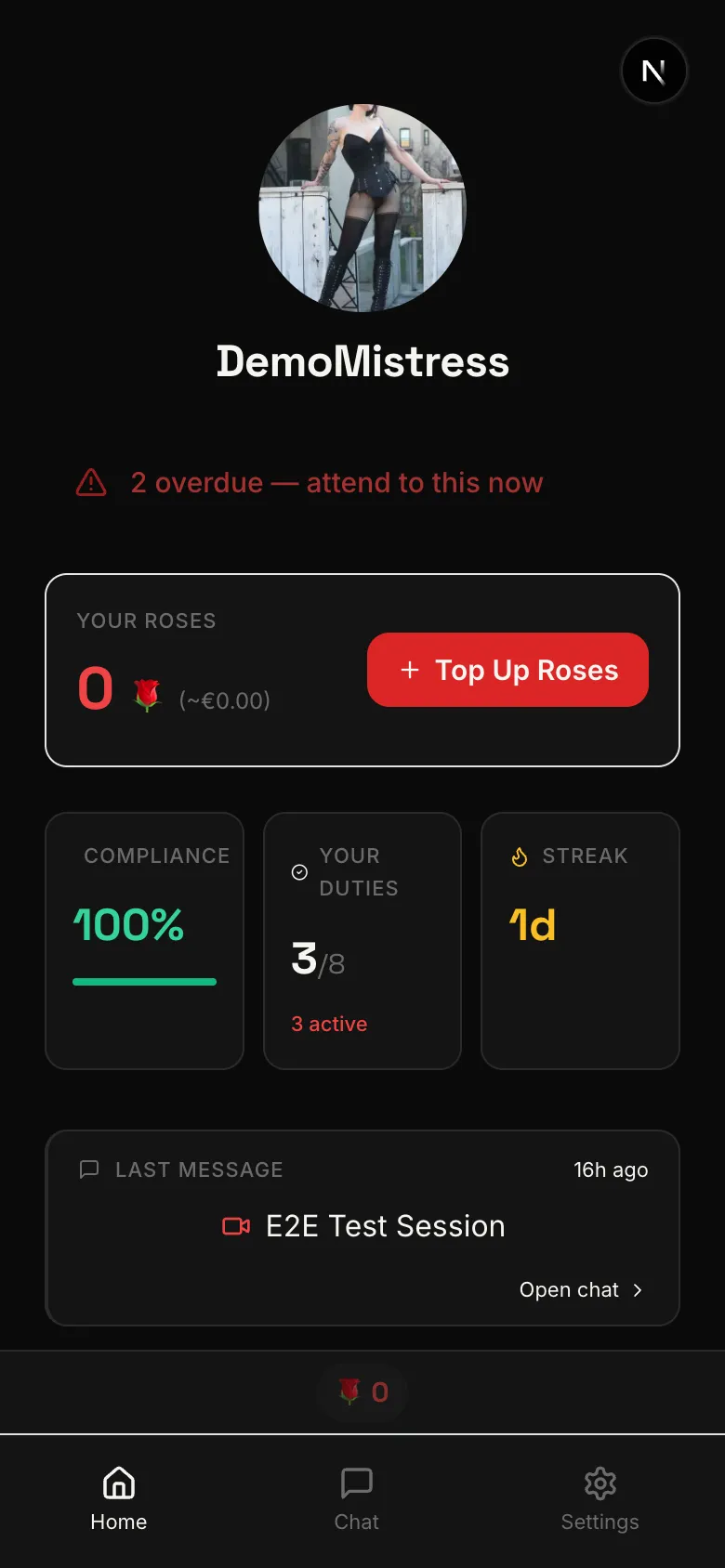
Invite Roses
If you signed up through a Mistress's invite link, you receive 10 free Roses as a welcome gift. These are added to your balance immediately. To spend them, you'll need to add a payment card first.
Sending Roses
Once you have Roses in your balance and a payment card on file, sending a tribute is instant:
- Go to a Mistress's profile
- Tap the Send Roses button
- Choose how many Roses to send
- Confirm — done in one tap
No additional payment processing, no waiting. The Roses are deducted from your balance and the Mistress receives them immediately.
For Mistresses
Every Rose you receive is worth exactly $0.50 — no platform fee, no deductions. 100 Roses = $50 in your pocket.
Roses and subscriptions have different payout rates:
| Revenue source | Your share |
|---|---|
| Roses | $0.50 per Rose (no fee) |
| Subscriptions | 75% of payment (85% Founding) |
Earnings accumulate in your balance and are paid out weekly to your connected bank account. See Payouts & Earnings for full details on hold periods, payout schedule, and how to connect your Stripe account.
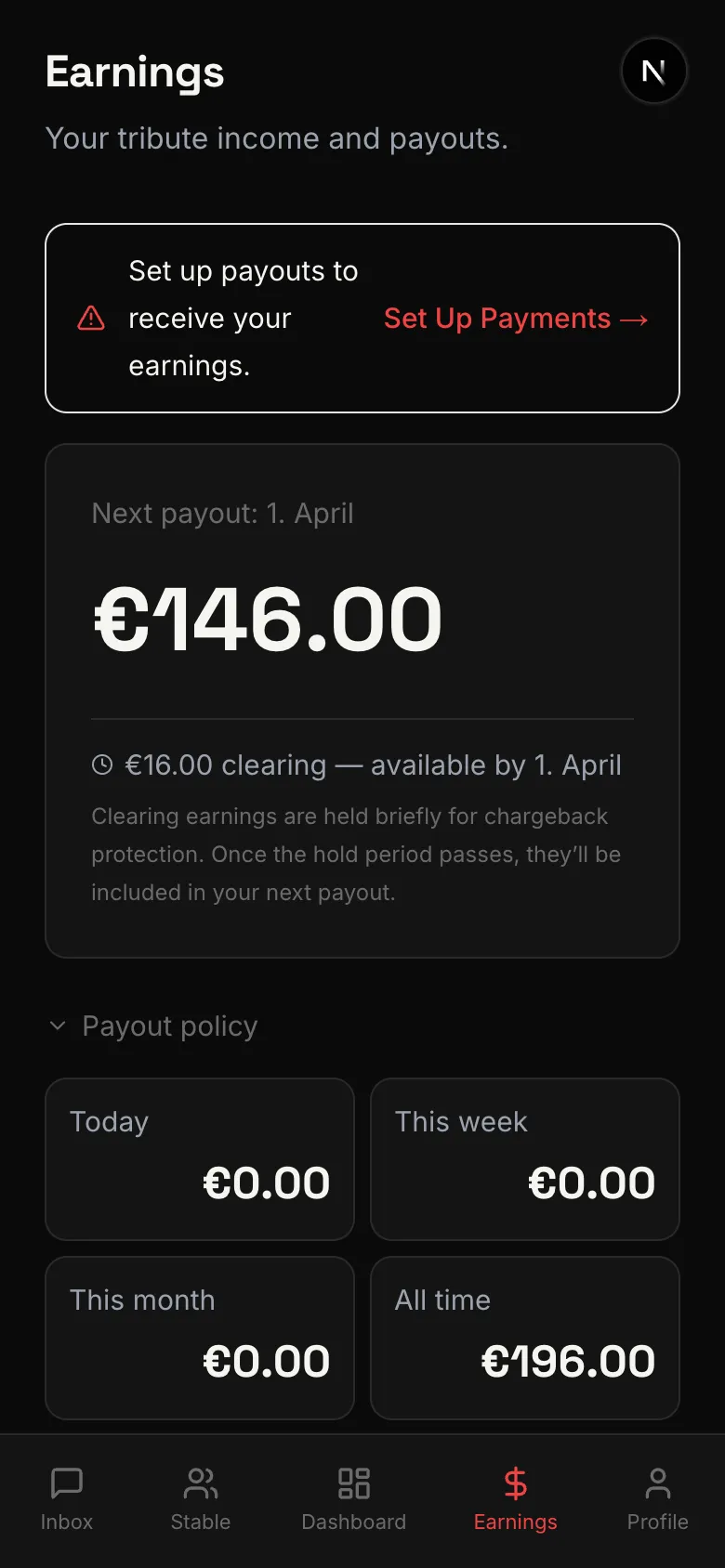
Refund policy
LEASH complies with EU consumer protection law. You have a 14-day withdrawal period from the date of purchase for unused Roses. Roses that have already been sent as tributes are not eligible for refund. To request a refund, contact support through the app.
Related
How you earn money on LEASH — payout rates, hold periods, and weekly payouts explained.
Monthly subscriptions give slaves ongoing access to their Mistress. Auto-renewing, easy to manage.
Set daily, weekly, or monthly caps on your spending. Stay in control and tribute responsibly.
A visual overview of your revenue — earnings graph, balance breakdown, payout schedule, and revenue sources explained.
Send Roses to a Mistress as a tribute — voluntarily, on demand, or during a Live Session. One tap, instant delivery.